
Mirror Panic! VR
A downloadable game for Android

A seated VR mystery through time, inheritance, and ghostly banter.
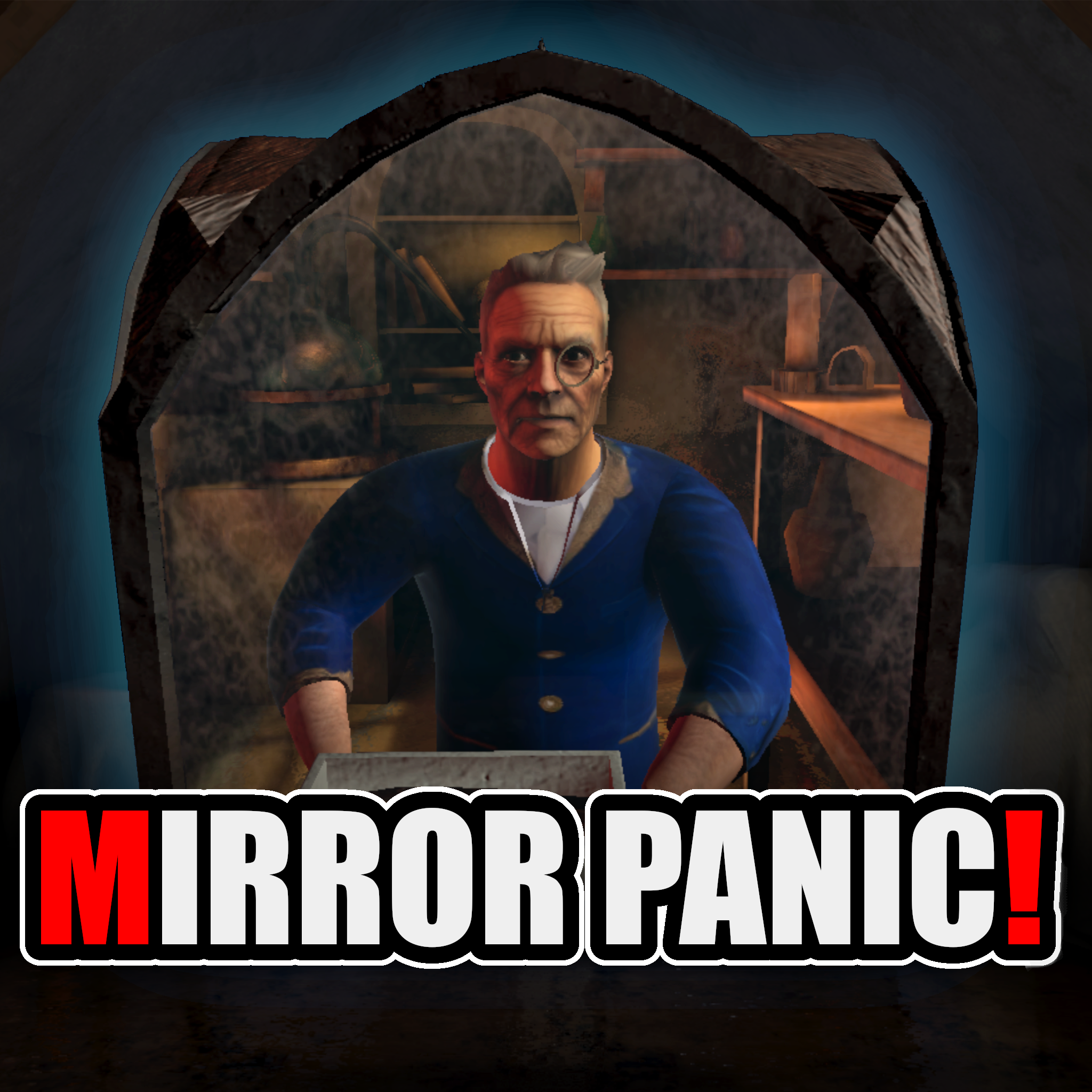
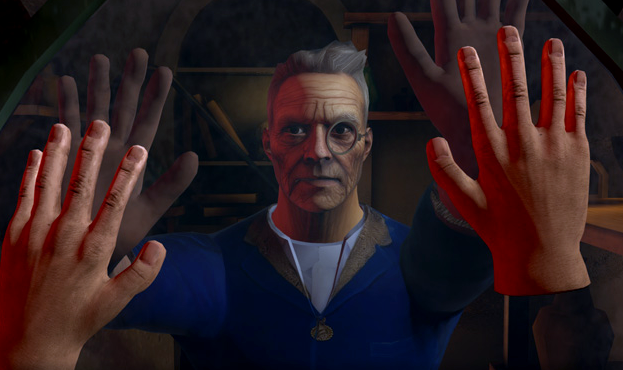
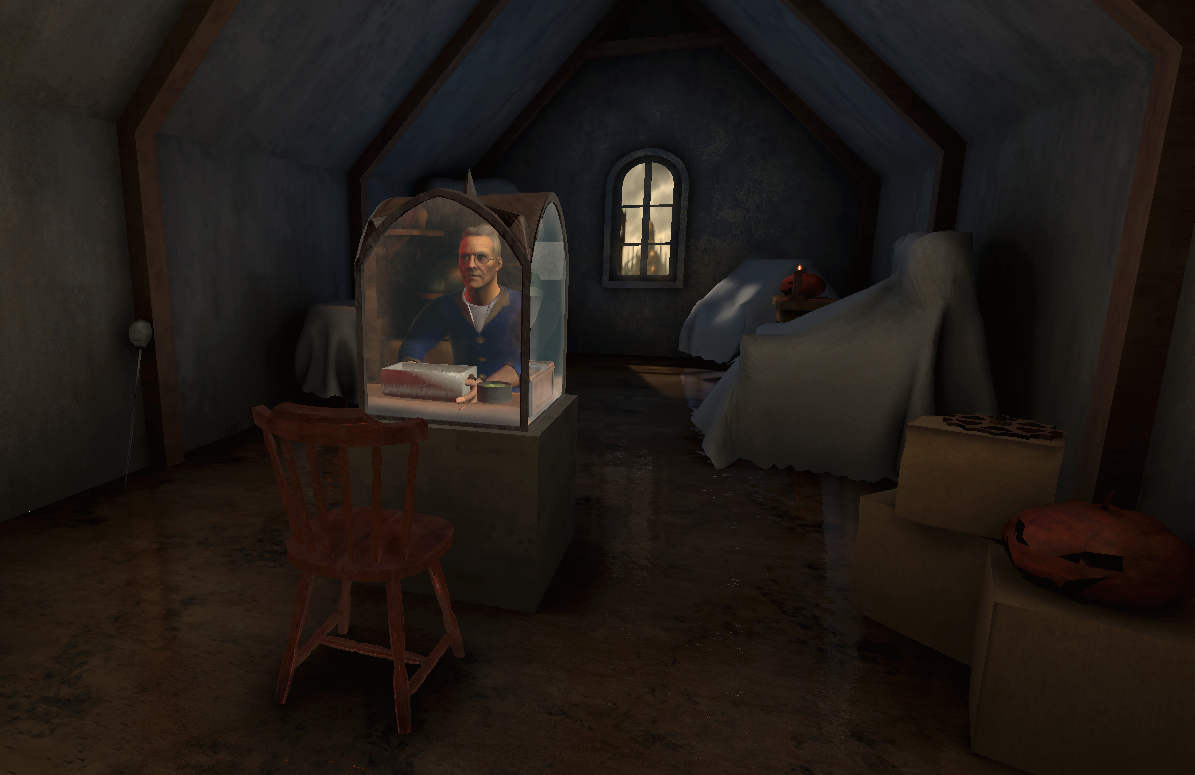
You’ve just unearthed your family’s magic mirror box on Halloween night — a supposed relic that lets you “speak to the other side.” You always assumed Grandpa’s stories were nonsense… until the mirror came alive.
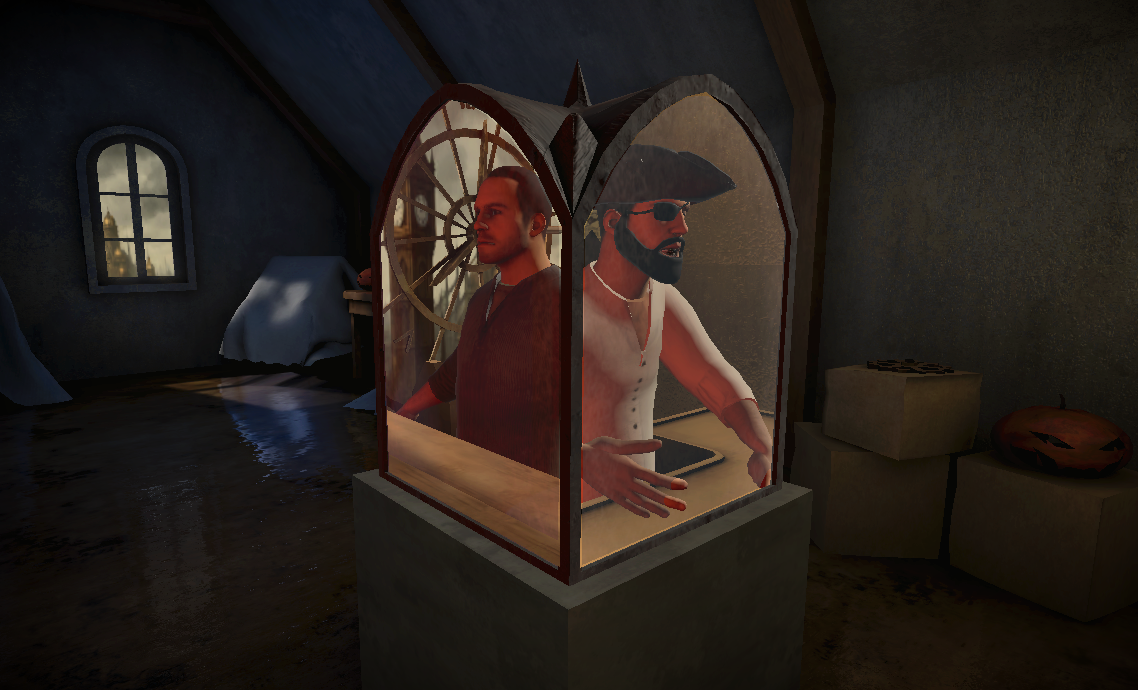
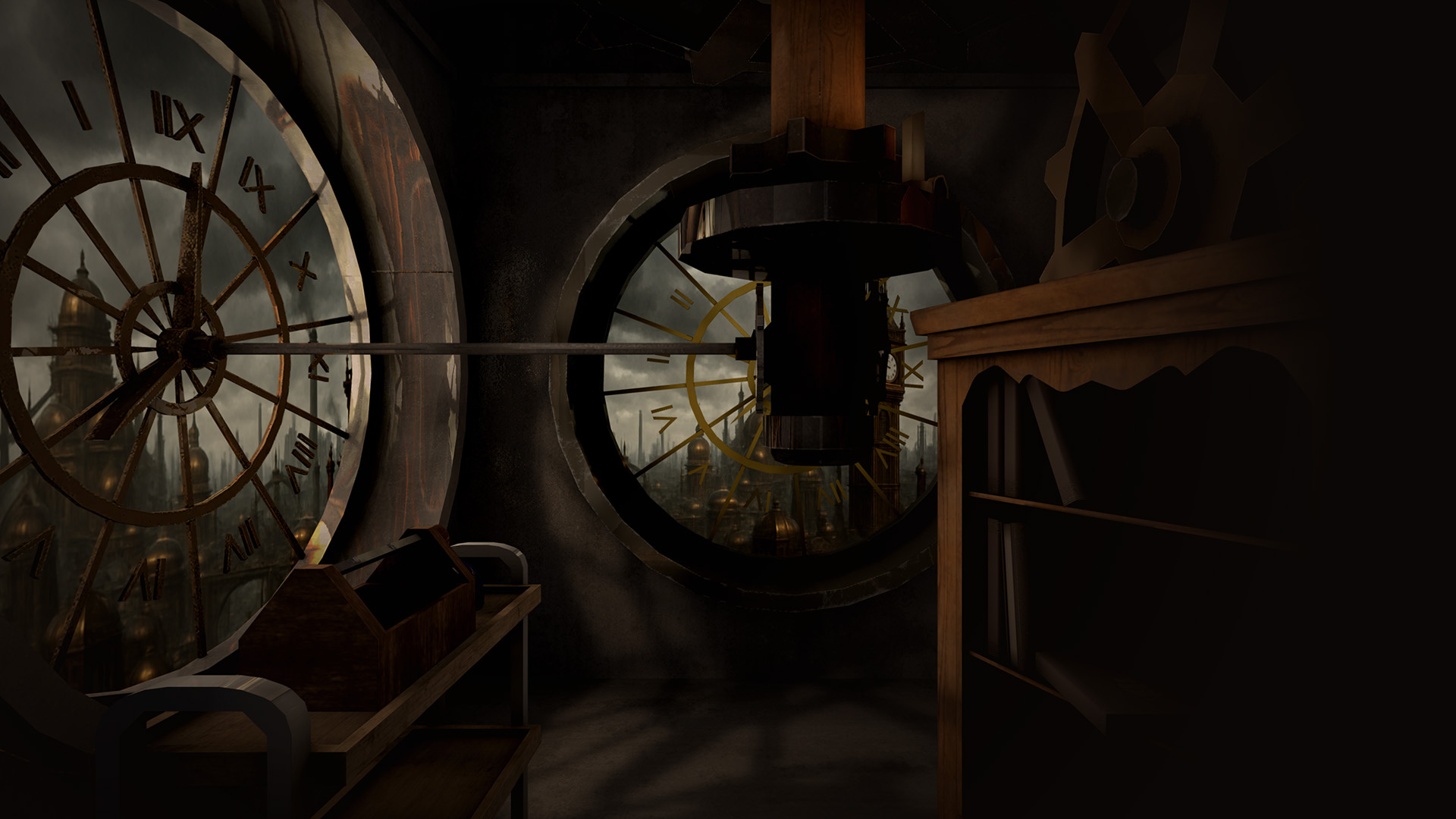
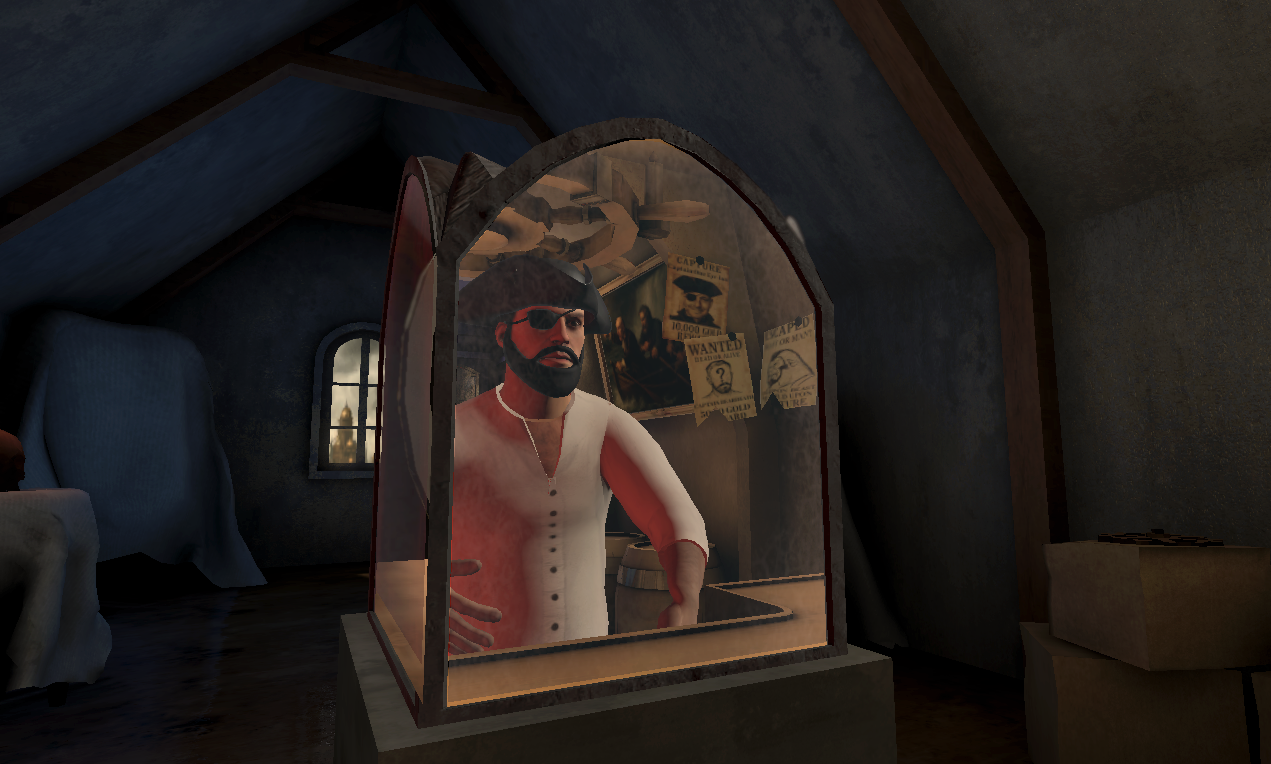
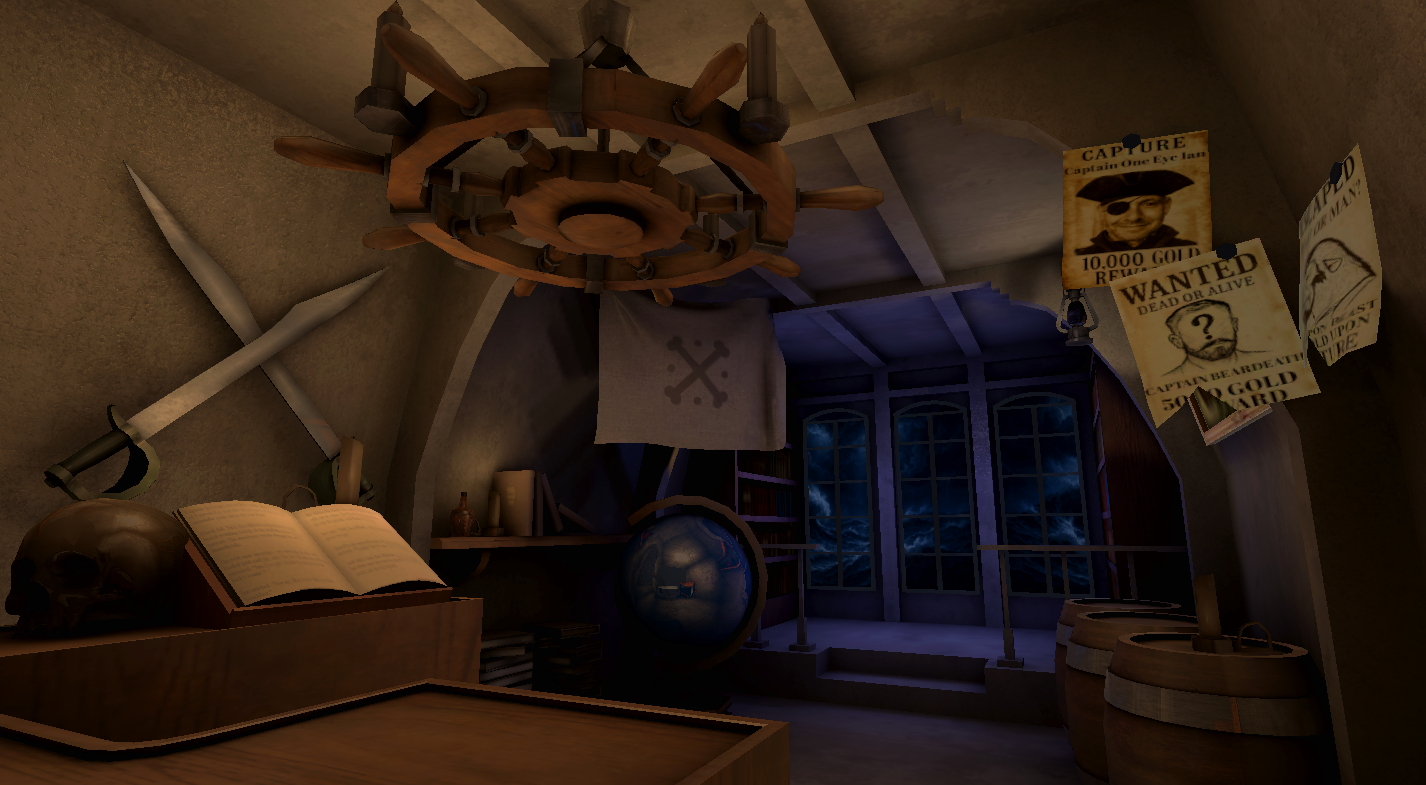
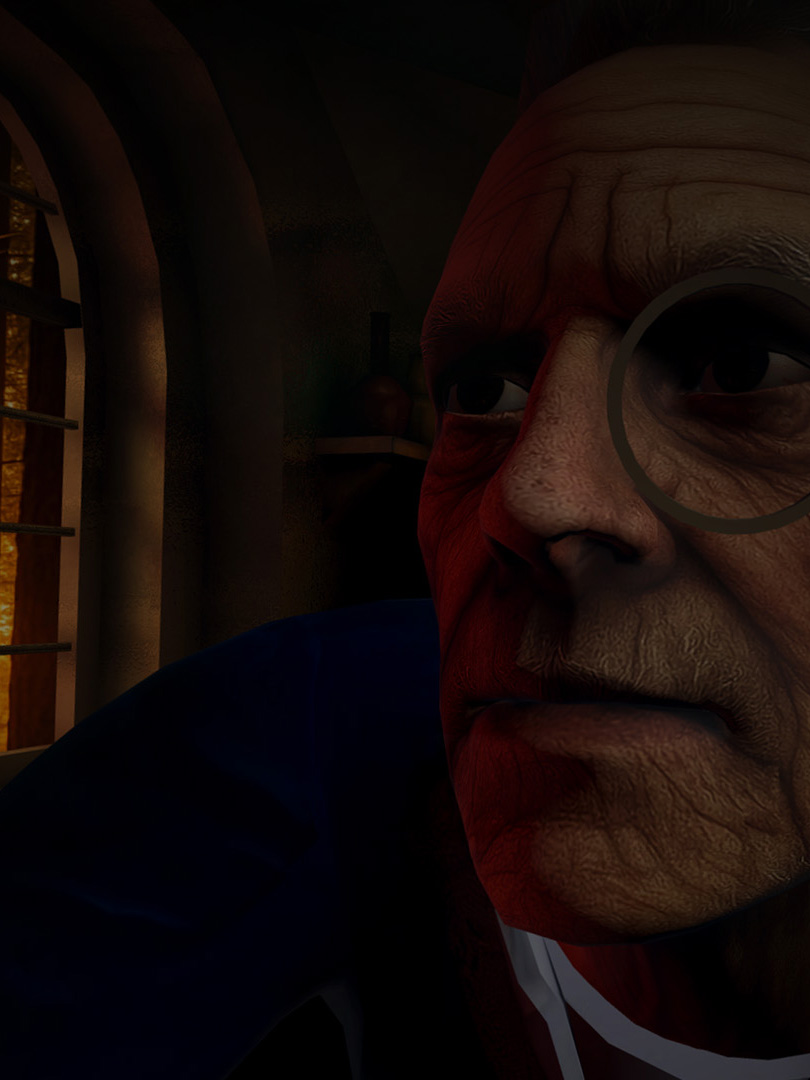
Now you’re seated face-to-face with the ghosts of your ancestors, each trapped in their own era — an alchemist, a pirate, a scholar, and a banker — each guarding a fragment of a long-lost family treasure.
Manipulate the mirror box to summon them one by one, transfer objects between centuries, and piece together the truth behind your family’s fortune.
Gameplay
-
Fully seated VR experience
-
Investigate each of your ancestors through mirror mechanics
-
Converse with fully voiced spectral ancestors
-
Transfer objects through the mirror between worlds to solve interconnected puzzles.
-
Discover the resting place of the treasure that haunts your bloodline
Developed by: Ian Lindsey, Beard or Die & Ameripon for the Fist Full or Shrimp XR Halloween Game Jam 2025.
Walkthrough - Puzzle Solution (Spoilers!)
This is a puzzle game, but if you get stuck - here is a walkthrough of the game:
- Open the book in the Scholar's reflection and take the key
- Keep hold of the key and move to the Alchemist's reflection
- Move the key into the ointment (the jar on the right) to clean it
- Keep hold of the cleaned key and go to the Banker's reflection
- Use the cleaned key on the lock in the Banker's reflection
- This will open the container but you need a safe pass-code
- Take the spyglass from the Pirate's reflection
- Keep hold of the spyglass and carry it to the Alchemist's reflection
- Dip the spyglass into the liquid to give it UV powers
- While holding the UV-spyglass, turn to the Banker's reflection
- Look through the UV-spyglass and you'll see the secret code for the safe
Download
Comments
Log in with itch.io to leave a comment.
Known issue: subtitles appear to be turned on by default, but will have to be switched Off and then back On in the main menu or the Settings panel (accessed via the XR Controller's "Menu" button) before they'll show up.